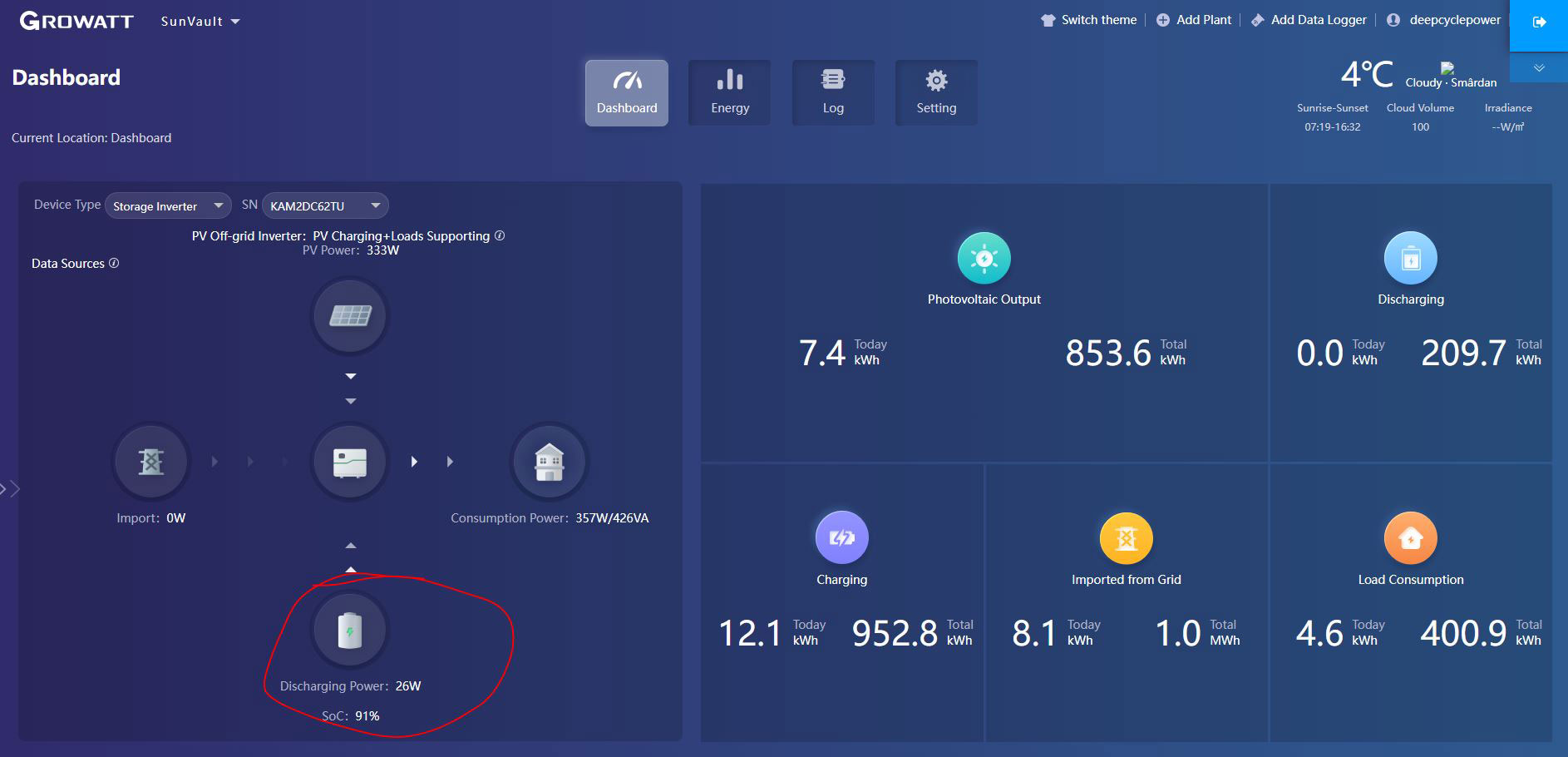
Connecting batteries managed by a JK BMS inverter to a Growatt 5000 ES inverter may seem complicated at first glance, but the process is quite simple if you follow the correct steps. In this article, we will detail each step to ensure proper connection and operation of the system.
1. System preparation
Materials needed:
- Inverter type BMS from JK BMS (e.g. JK-PB2A16S20P or similar, but it must be the inverter version).
- Growatt 5000 ES inverter.
- LiFePO4 batteries connected to BMS.
- Network cable with standard RJ45 plugs.
- Access to the BMS and inverter configuration interface.
2. Connecting the CAN ports
The CAN port is used for communication between the BMS and the inverter. Follow the steps below:
- BMS configuration:
- Access the JK BMS application or configuration interface.
- Navigate to the CAN port configuration section.
- Select the Growatt protocol for the CAN port. This allows the BMS to communicate correctly with the inverter.
- Connecting the network cable:
- Uses a standard (pin-to-pin) network cable.
- Connect one end of the cable to the CAN port of the JK BMS.
- Connect the other end of the cable to the CAN/BMS port of the Growatt 5000 ES inverter.
3. Configuring the Growatt inverter
For the inverter to correctly recognize and communicate with the battery managed by the JK BMS:
- Access the Growatt inverter configuration menu.
- Select the battery type as Li-ion (lithium) in parameter 5.
- Set the communication protocol to 51:
- Protocol 51 is specific for communicating with batteries managed by Growatt compatible BMSs.
4. Testing the connection
After you have made the connections and configurations:
- Turn on the system and check if the inverter detects the battery.
- Check the voltage, current and SOC (State of Charge) values reported by the battery on the inverter screen or in the app.
- Make sure that there are no communication errors between the BMS and the inverter.
5. Important recommendations
- Make sure the polarity of the CAN cable is correct (use a standard plug cable).
- Check the firmware of your BMS and inverter to make sure you have the latest version, which supports the Growatt protocol.
- If you encounter problems, consult the JK BMS and Growatt manuals for troubleshooting.
The advantages of a correct connection
- Real-time monitoring of battery status directly on the inverter.
- Protection and optimization of charge and discharge cycles.
- Efficient integration of LiFePO4 batteries into a photovoltaic system with Growatt inverter.
Therefore, correctly connecting the JK BMS to the Growatt 5000 ES not only improves system efficiency, but also ensures safe and stable operation.
If you have any questions or are having difficulty, leave a comment and we will try to help you!


